
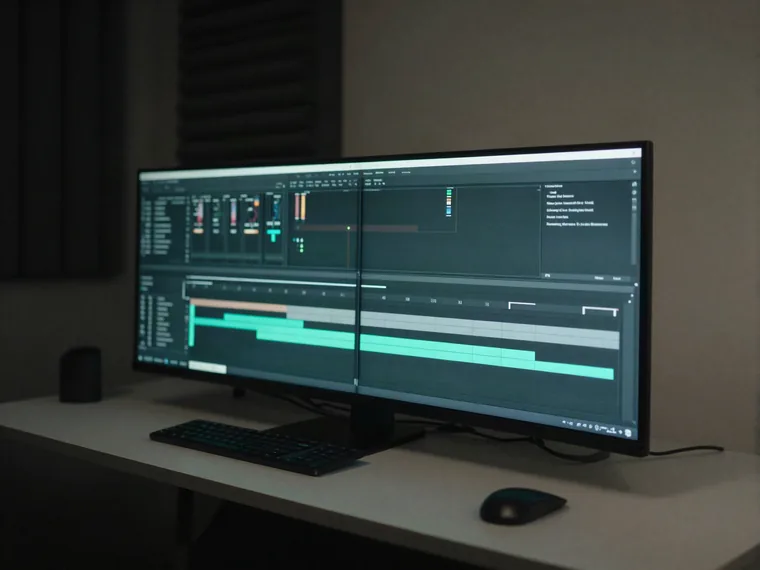
Long-form YouTube
Turn a full episode script into one consistent take with subtitles ready for the edit.
See the YouTube workflowPaste the full script. Replace one generated section without rebuilding the rest. Export finished audio with timed subtitles.
Preview voices by style, language, and quality.
Lively and energetic for entertainment and social content
Real numbers, not a pitch
From global coverage to timed delivery, everything you need to take a script from first word to final export.
Product proof
Turn product stories, launch videos, and long-form reads into expressive audio that keeps people listening.
Try your scriptHear the message. Feel the difference.
The product proof could not be loaded. The rest of the page is still available.
Your scripts, recordings, and generated audio stay under rules you can see before you start.
Production, not just generation
Keep every section in sync, update only what changed, and export audio with timed subtitles ready to use.
See the workflowStart with your script.
Hold one tone throughout.
Regenerate only what changed.
Section updatedAudio + timed SRT.
Same voice. New section. No restart.
For scripts where consistency matters after the first few minutes.
Turn a full episode script into one consistent take with subtitles ready for the edit.
See the YouTube workflow
Keep names, terminology, and delivery consistent across every lesson.
Revise individual passages without generating the entire chapter again.
A script and a recording are two entrances to the same finished narration workflow.
The production sequence that turns a draft into a finished take.
Bring in the script you want to narrate.
Keep the long read in manageable, reusable parts.
Use the same selected voice and settings across the take.
Regenerate one section while the rest stays reusable.
Create SRT timing from the final assembled audio.
Download the audio and subtitle files together.
NarrateHQ splits the script at sentence boundaries and generates every section with the same selected voice and settings.
Yes. Regenerate one stored section and reuse the others. NarrateHQ re-merges the take and rebuilds the SRT after the replacement succeeds.
Yes. NarrateHQ creates a timed SRT file from the same audio used for the final export.
Paid plans include commercial use. Audio generated on the Free plan does not include a commercial license.
Scripts remain in your account until you close it or request deletion. Generated audio expires by plan. See our Privacy Policy.