
YouTube voiceovers
A voiceover you can still fix tomorrow.
Build a full episode in one voice, replace the changed section, and export audio with timed subtitles.
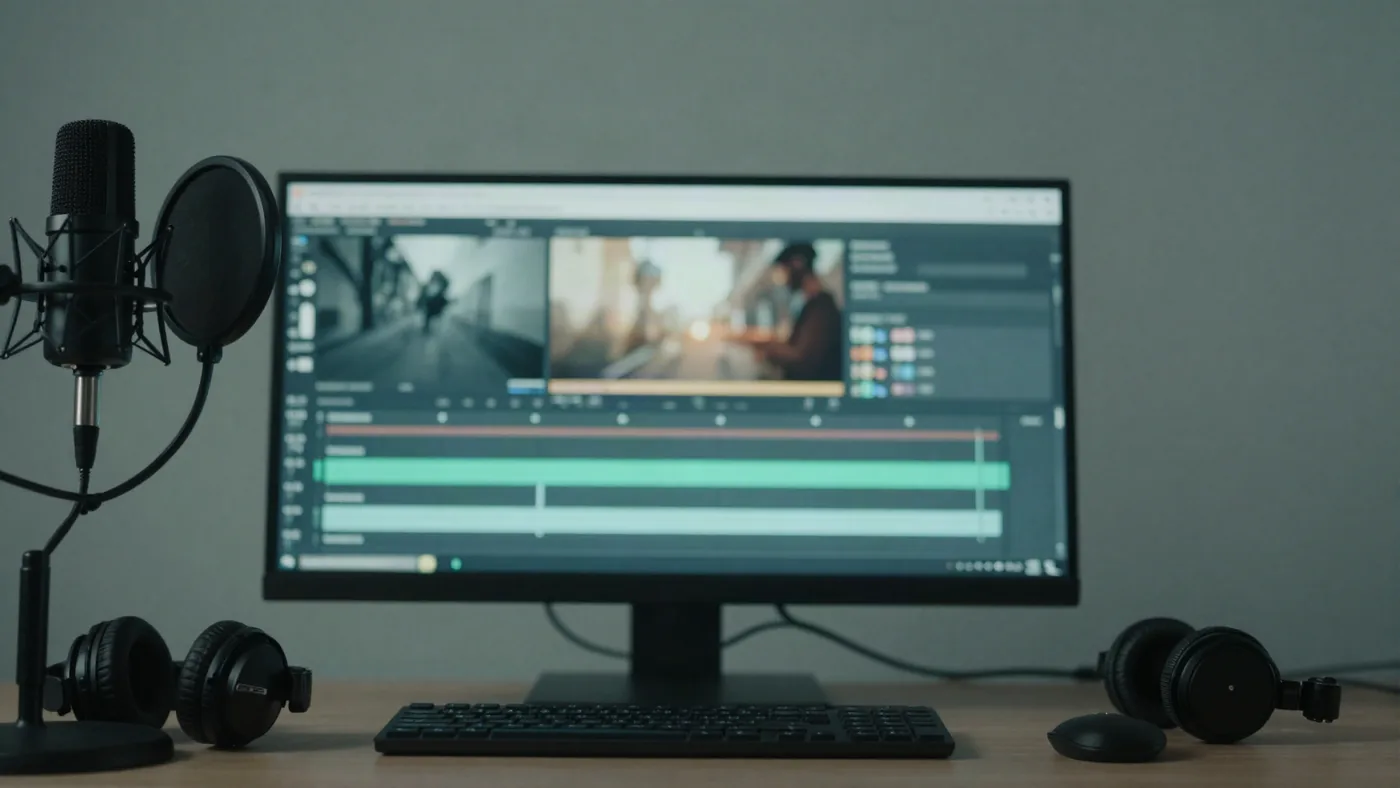
Keep the episode moving when the script changes.
A title change or a missed detail should not send the whole voiceover back to the start.
From episode script to upload-ready audio.
A focused workflow for creators who publish recurring long-form videos.
- Paste
Bring in the full episode script and review the sections before generation.
- Generate
Select a voice and create the take with the same settings across the script.
- Replace
Regenerate the section that changed while the other sections stay reusable.
- Export
Download finished audio and an SRT rebuilt from the final take.
Choose a voice for the whole series.
Preview the sound before you commit to a recurring channel format.
Starting with a rough recording?
Transcribe the draft, edit the words, then turn the cleaned script into a consistent voiceover.
Questions before you publish.
Yes. Replace the generated section that changed and reuse the other sections in the take.
Yes. NarrateHQ builds a timed SRT from the final audio used for export.
Commercial use depends on your plan. Review the plan details and Terms before publishing.
Use Speech to Text to create a timestamped transcript, then send the script into narration.